How to book a ride or airport transfer with KnectGo (step-by-step)
Learn how to request short rides and schedule airport transfers with KnectGo, plus tips to avoid common mistakes.
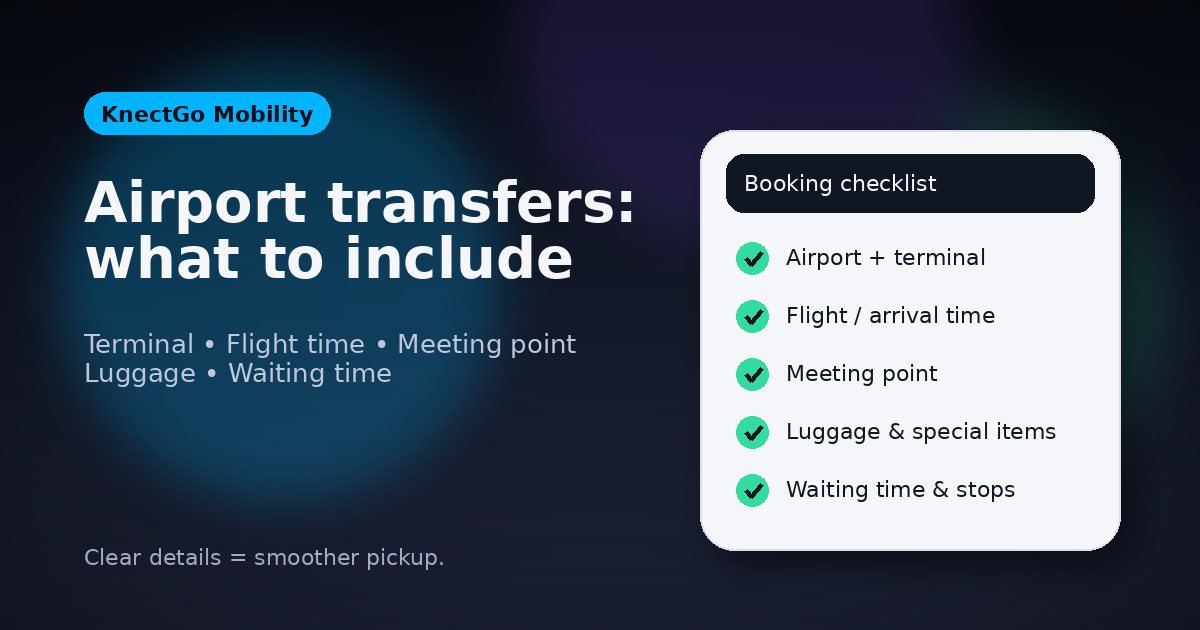
Booking with KnectGo is straightforward — you can choose between on-demand short rides or scheduled trips, including airport transfers.
1) Choose your trip type
-
On-demand ride: best for quick trips around town.
-
Scheduled booking: best for time-sensitive plans and airports.
2) Enter accurate pickup and destination
To avoid delays, use:
-
A clear place name (hotel, terminal, station) or full address
-
Helpful details (building, entrance, meeting point)
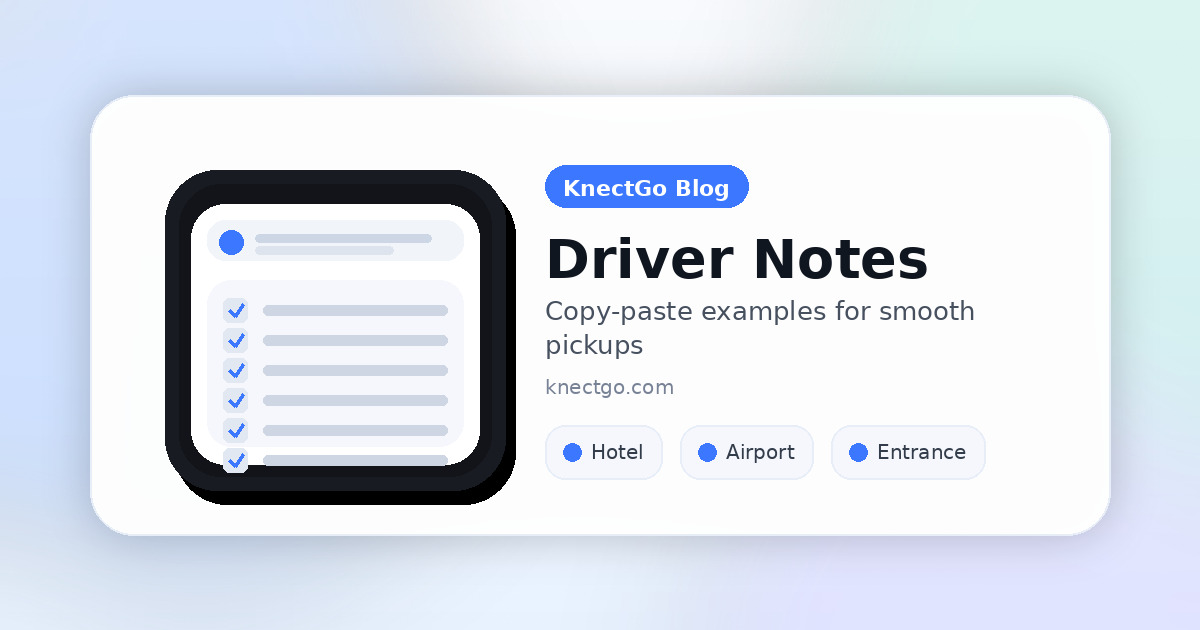
3) Add helpful notes (if needed)
Use “Notes for the driver” for:
-
Extra luggage
-
Pickup instructions (e.g., “Gate B”, “Hotel reception”)
-
Accessibility needs (e.g., foldable wheelchair — include dimensions)
Tip: clear notes reduce waiting time and improve the overall experience.
4) Review and confirm
Before confirming, double-check:
-
Pickup and destination
-
Date/time (for scheduled trips)
-
Passenger count and luggage (when applicable)
5) During your trip
-
Track your ride in-app when available
-
Contact support if you need help
Quick questions
Can I book in advance? Yes, depending on availability in your city.
Can I use it for airports? Yes, airport transfers can be scheduled.
Ready to ride? Download the app and place your first booking.